MP3 to MIDI: Repair the Draft or Re-enter the Notes?
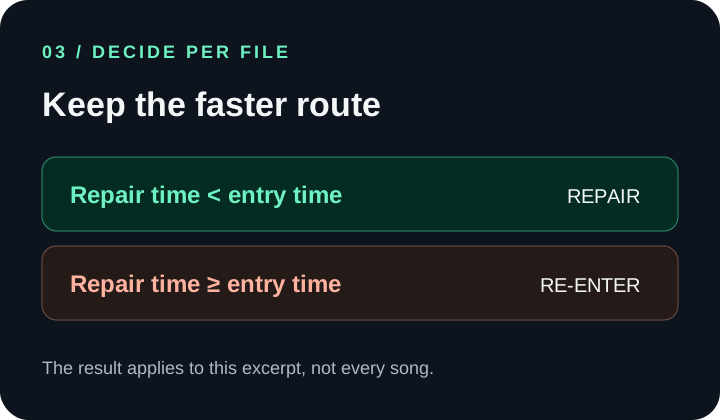
There is no universal winner: compare both routes on the same short passage. Repair the converted MIDI when the audible notes are mostly right and the fixes are isolated; re-enter the notes when missing, extra, or misplaced events make the draft hard to verify. Choose the route that reaches a source-checked result sooner.
A converter can save note-entry work, but its output is still a draft. Listening to the source, finding errors, correcting them, and checking the export all take time. If those steps keep expanding, “fixing” can turn into rebuilding the passage one note at a time.
Run a fair break-even check
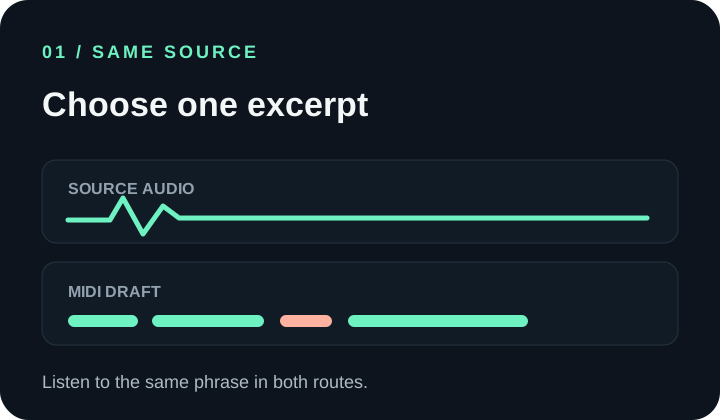
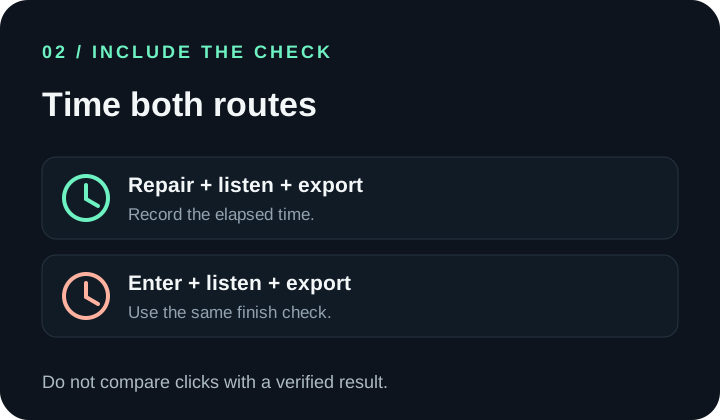
Use one representative excerpt, not a whole track for one route and a tiny fragment for the other. Keep the source audio available and use the same definition of “finished” both times: the notes you intend are present, the result plays as expected, and the MIDI export opens.
Compare your two times
Enter elapsed minutes from the same excerpt. Include source-checking and final export in both values.
Your result will appear here. No timing is assumed or stored.
Download the blank timing worksheet (CSV)
Which errors are worth repairing?
| What you hear or see | Try first | Why |
|---|---|---|
| A mostly correct phrase with a few isolated pitch or timing errors | Repair a copy of the MIDI | The existing note sequence may still save entry work; verify the edits against the source. |
| A missing run of notes or many events that do not match the recording | Time a fresh entry on the same excerpt | Reconstructing the whole phrase inside a bad draft may cost more than starting clean. |
| Extra short events or split notes, but the intended melody is clear | Test a focused cleanup pass | Delete, join, or adjust only what the source confirms; do not tidy by appearance alone. |
| The MIDI will not open or sounds silent | Check the file and playback setup first | A file/import problem is different from incorrect note content; re-entering may not fix it. |
Keep the comparison honest
- Use the same passage and the same source recording for each route.
- Count listening and verification in both times. A fast edit that leaves wrong notes is not a finished result.
- Do not use note count alone as a time estimate. One hard-to-hear note can take longer to verify than several obvious edits.
- If the passage is unclear, shorten the excerpt or choose a cleaner source before deciding that either workflow is faster.
- Keep the untouched MP3 and the original MIDI draft. A MIDI file contains note events, not the original sound; compare playback with the source.
This page provides a way to measure your own break-even point; no human editing-time benchmark was run for it. The MIDI Association’s file overview explains the distinction between event data and recorded audio. For note-level sample outputs, see the two-input MP3-to-MIDI test; for opening and checking a downloaded file, use the MIDI export check.